
Scam alert · October 2, 2026
A Computer Pop-Up Ended With Gold at the Door
A transnational tech-support scheme used fake computer warnings and couriers to collect cash and gold. Learn the three-part family rule that stops it.
Read this in five minutes. Then talk about it with someone you care about.
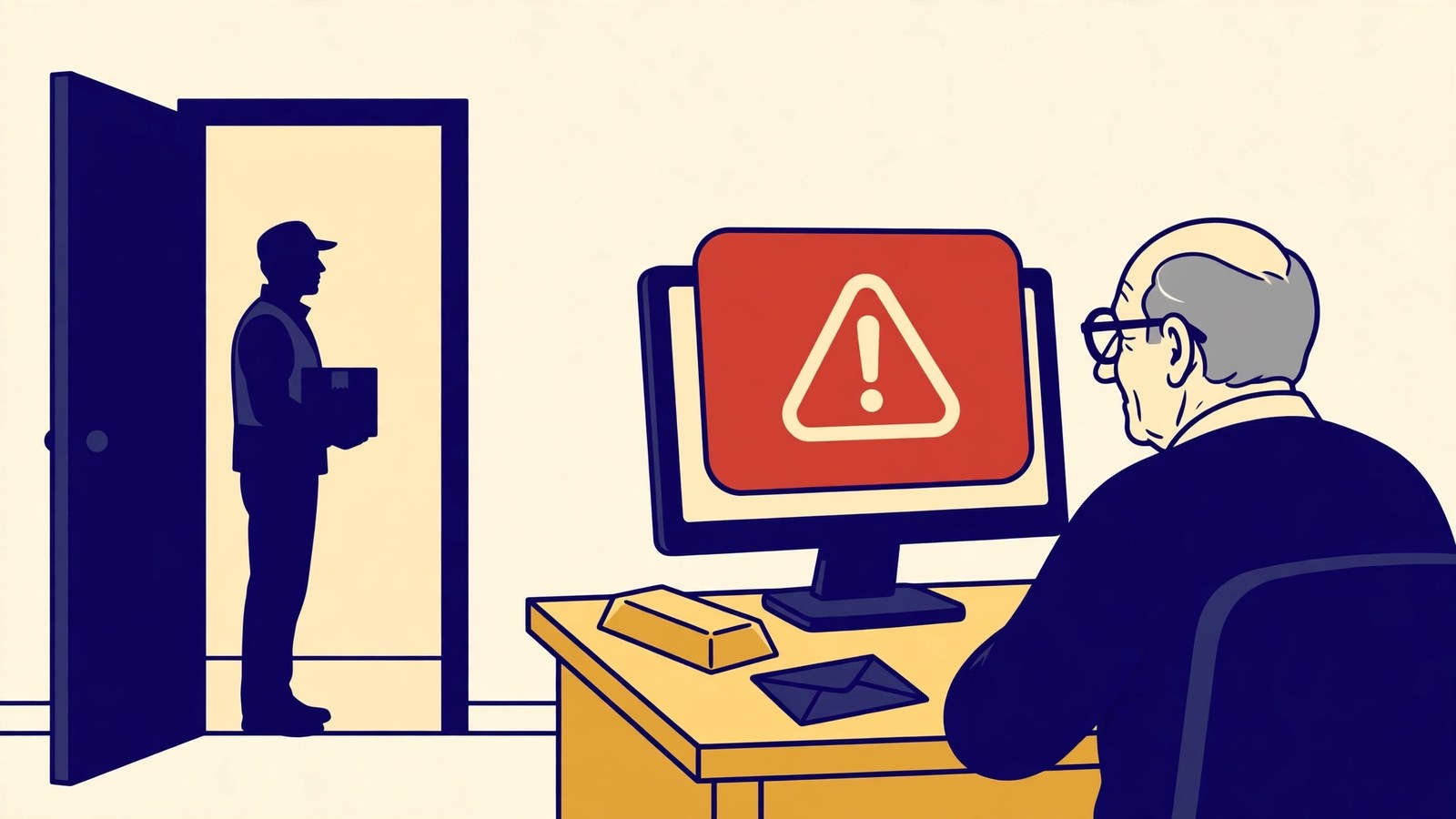
It begins with a warning on a computer screen.
Your device has been hacked. Your bank account is compromised. Your identity is connected to a crime. Call this number immediately.
By the time the story ends, a stranger may be standing outside to collect cash or gold.
On October 1, federal prosecutors in Rhode Island announced a guilty plea in a transnational fraud operation that targeted older adults across the United States and Canada. According to court documents, the group used computer pop-ups designed to look like warnings from legitimate technology companies. Victims were falsely told their computers or bank accounts had been compromised or that they were under investigation.
The defendant admitted helping coordinate couriers who picked up cash and gold from victims and transported it to members of the conspiracy. Investigators have identified approximately 300 victims in at least 37 states, more than $5 million in known losses, and another $16 million in suspected proceeds moving through a related account.
That is a long distance from a single pop-up. The scammer gets there one believable step at a time.
How the story grows
The first person may sound like ordinary technical support. After gaining remote access or creating fear about a supposed computer problem, the “technician” discovers something more serious: criminals are inside the victim's financial accounts.
The call may then move to someone posing as a bank fraud specialist or government agent. A second voice makes the story feel independently confirmed. Badge numbers, case numbers, official names, and account details add credibility.
The victim is told that existing savings are unsafe. To protect the money, they must withdraw cash, buy gold or another precious metal, and hand it to a courier who will place it in secure government custody.
The courier may use a passcode or dollar-bill serial number to make the exchange feel controlled. None of that makes the pickup legitimate. It is choreography designed to turn stolen money into a physical handoff.
Warning signs to notice
Stop when any person or message:
- Displays a security pop-up that tells you to call a phone number.
- Calls unexpectedly and says there is a problem with your computer.
- Asks you to install remote-access software or share your screen.
- Transfers you from “tech support” to a bank, government agency, or law-enforcement official.
- Says your money must be moved, withdrawn, or converted to protect it.
- Instructs you to buy gold, silver, gift cards, or cryptocurrency.
- Arranges for a courier to collect cash or valuables from your home or a public location.
- Gives you a passcode and tells you not to discuss the investigation with family or bank employees.
The FBI says the government and legitimate businesses will never ask you to buy gold or other precious metals. The FTC says real security pop-ups do not tell you to call a phone number.
The 60-second defense
Give your family this three-part rule:
No call from a pop-up. No remote access for a stranger. No cash or gold handed to anyone.
If a warning appears, do not click it or call the number. Close the browser if you can. If the screen will not close, shut down the device. Then contact a trusted person or the device company's support service through a website or phone number you found independently.
If someone is already on the phone, hang up. Call the bank using the number printed on the card or shown in the official banking app. Ask whether there is any real account problem.
If a courier is on the way, do not meet the person or hand over anything. Call local police and explain that someone may be coming to collect money or gold as part of a scam.
If remote access or money was already given
Disconnect the device from the internet and contact a trusted computer professional. Remove remote-access software, run a security scan, and change exposed passwords from a different device you trust. Start with email, banking, and investment accounts. Review accounts for unfamiliar transfers, new payees, and changed contact information.
Contact financial institutions and any precious-metals dealer immediately. Explain that the transaction is connected to fraud and ask what can be stopped, traced, or recalled. Preserve receipts, packaging, courier descriptions, vehicle details, phone numbers, messages, remote-access program names, and bank records.
Report the incident to local law enforcement, the FTC at ReportFraud.ftc.gov, and the FBI's Internet Crime Complaint Center at IC3.gov. People age 60 or older can get help reporting elder fraud through the National Elder Fraud Hotline at 1-833-FRAUD-11 (1-833-372-8311).
Respond with urgency but without blame. The operation used several people and layers of authority to make the story feel independently verified.
Talk about it tonight
Ask: “What are the three things we never do because of a warning on a computer screen?”
Practice the answer together: no call, no remote access, and no cash or gold.
If a pop-up, tech-support call, or request to “protect” money feels suspicious, describe it in The Scam Hotline Scam Detector. Do not include passwords, account numbers, verification codes, or remote-access credentials. The free tool can help identify warning signs and organize the next verification step.
Scammers want silence. Families talk. Talk to yours today.