
Scam alert · October 15, 2026
The Security Code Is Real. The Person Asking for It Is Not.
A real verification code can become the final key a scammer needs. Learn how account-takeover scams work and the simple family rule that stops them.
Read this in five minutes. Then talk about it with someone you care about.
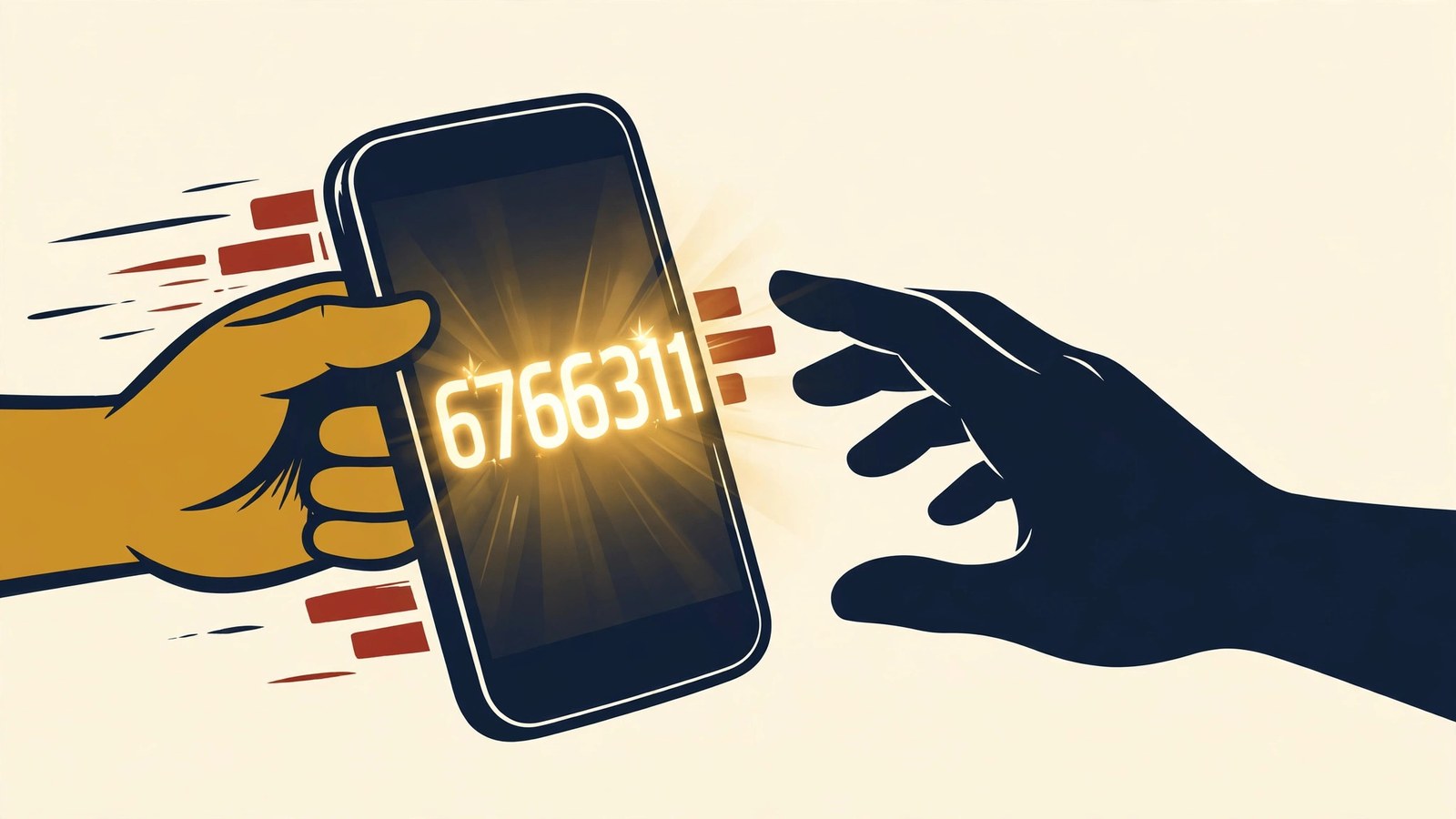
Your phone buzzes with a six-digit security code from a company you recognize.
Seconds later, someone calls. They say they are from the company's security team. There has been suspicious activity, they explain, and they need you to read the code aloud so they can protect your account.
The text message is real. The code is real. The person asking for it is not.
The Canadian Anti-Fraud Centre recently highlighted this account-takeover tactic during Cyber Security Awareness Month. A criminal may already have your email address and password from phishing, a data breach, or a password reused on another site. They try to sign in, which causes the real company to send a real one-time code to your phone. Then they impersonate the company and persuade you to hand them the missing piece.
You are not confirming your identity to a helpful employee. You may be approving the criminal's login.
Why this scam feels convincing
People often look at the sender of the text and think, “This came from my bank, so the call must be legitimate.” But the company sent the code because someone attempted to access the account. The message does not verify the caller.
The timing makes the story feel connected. The caller may also know your name, email address, phone number, or the company you use. That information can come from an earlier breach or phishing message.
The scam also uses fear and helpfulness at the same time. First, the caller creates an emergency: your account is under attack. Then they offer a simple solution: read the code. Under pressure, completing that small request can feel safer than ending the call.
That is why the best defense is a rule you decide before the phone rings.
The rule to remember
A verification code is a key, not a conversation.
Enter it only when you personally started a login or account-recovery process through an official app or website. Do not read it to an unexpected caller, send it in a reply, or type it into a link someone sent you.
The Federal Trade Commission compares a password and verification code to two locks. A scammer who has opened the first may still need you to open the second. Keeping the code private can stop the takeover even when the password is already compromised.
Warning signs
Pause when any of these happen:
- You receive a login code or password-reset notice you did not request.
- Someone contacts you immediately afterward and asks for the code.
- A caller says the code will cancel a transaction, secure the account, or prove that you are the owner.
- You receive repeated approval prompts and someone tells you to accept one.
- A text or email says your account has an urgent problem and sends you to a sign-in link.
- Your password suddenly stops working, or recovery details have changed.
- Friends receive unusual messages from your email or social account.
One unexpected code may simply mean someone entered the wrong phone number. It may also mean someone has your password and is at the second lock. Either way, do not approve or share it.
The 60-second defense
- End the conversation. Do not stay on the line while investigating.
- Open the official app yourself. Do not tap the link in the unexpected message.
- Check recent activity. Look for unfamiliar logins, devices, transactions, or changes.
- Change the password if the attempt was not yours. Make the new password strong and unique.
- Sign out of other devices or sessions. This can remove someone who is already inside.
- Check recovery information. Confirm that the email address and phone number still belong to you.
- Turn on multi-factor authentication. An authenticator app or security key may offer stronger protection than text messages when the service supports it.
If you reused the compromised password anywhere else, change it on those accounts too. Criminals can automatically try a stolen email-and-password combination across many services. Protect your email account first because it may be the route for resetting other passwords.
If you shared the code
Act immediately, without shame. Contact the company through its official app, website, statement, or the number on the back of your card. Tell the fraud or security team that you may have approved an unauthorized login.
Change the password, remove unfamiliar devices, review account-recovery settings, and inspect recent activity. If money or sensitive personal information was involved, contact your financial institution and report the incident through the appropriate national fraud-reporting service.
Talk about it tonight
Ask your family: “What would we do if a real security code arrived and someone called asking for it?”
Make the answer automatic: hang up, keep the code private, and open the official app independently.
Scammers do not need to defeat every security feature when they can frighten someone into opening the door. A five-minute family conversation can make that door much harder to open.
If you receive a suspicious message, use The Scam Hotline Scam Detector to examine the wording and pressure tactics. Never paste passwords, security codes, account numbers, or other sensitive information into any online tool.