
Scam alert · October 18, 2026
Your Email Is the Master Key to Your Digital Life. Protect It First.
A stolen email account can help criminals reset passwords and impersonate you. Use this practical family checklist to protect the account that protects the others.
Read this in five minutes. Then talk about it with someone you care about.
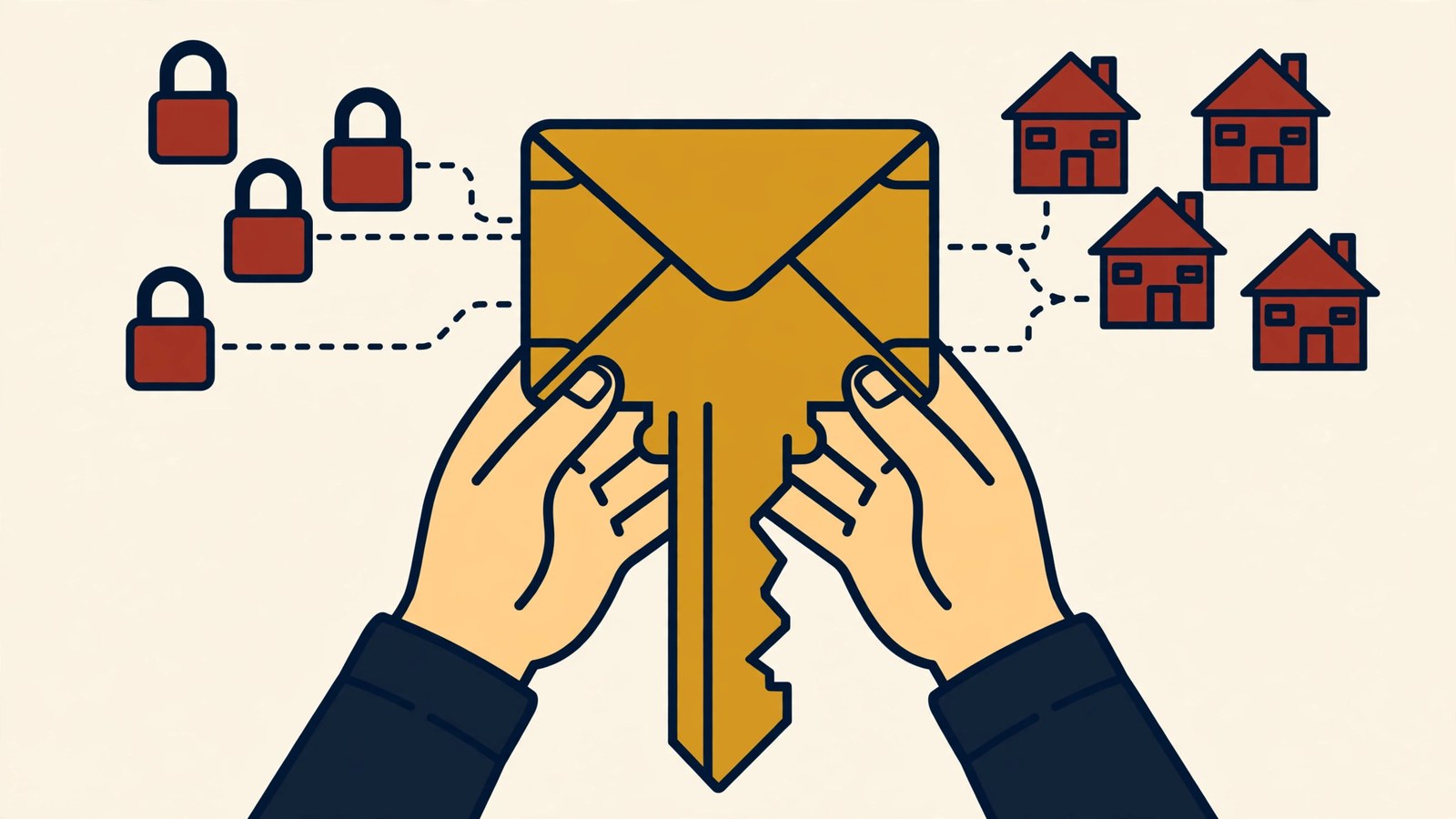
Most people do not think of an email inbox as a financial account.
But your email may contain receipts, tax documents, travel plans, family conversations, password-reset links, and years of clues about where you bank, shop, work, and socialize.
If a criminal gets into that one account, they may not stop at reading messages. They can search for other services you use, request password resets, change recovery details, impersonate you to your contacts, and hide security warnings before you see them.
That is why the first account every family should protect is often email.
The Canadian Anti-Fraud Centre's current Cyber Security Awareness Month guidance warns that access to one account can help a fraudster reach others. Criminals may obtain passwords through phishing or data breaches, then automatically try the same email-and-password combination across banking, shopping, social media, and other services.
They do not always need to “hack” their way in. Sometimes we unknowingly hand them the key.
How one password becomes several problems
Suppose a password from an old shopping site is exposed in a breach. You stopped using the site years ago, so the news does not feel urgent.
But if that password is also used for your email, a criminal can try the combination there. If it works, your inbox may reveal every other account worth targeting.
From email, they can request a password reset for a social account. Once inside that account, they can message family members asking for emergency money. They might find invoices and impersonate a business contact. They may delete alerts, create forwarding rules, or change the recovery address so regaining control becomes harder.
This is called credential stuffing: stolen login details from one service are tested on others. It works when passwords are reused.
The scam may then reach people who trust you. To them, the request appears to come from your real email address or social profile. The compromised account becomes part of the disguise.
Signs your email may be compromised
Watch for:
- password-reset messages you did not request
- login alerts from unfamiliar devices or locations
- messages in your sent folder that you did not write
- contacts asking about unusual messages from you
- security notices that disappear or are marked read
- new forwarding rules, filters, recovery addresses, or phone numbers
- being unexpectedly locked out
- purchases, password resets, or account changes across other services
Do not assume a strange message from a relative means they knowingly sent it. Call them through a different channel and ask whether their account is secure.
The 10-minute family defense
Start with the email account used for banking, bills, and password recovery:
- Create a unique password or passphrase. Do not use it anywhere else.
- Turn on multi-factor authentication. An authenticator app or security key may offer stronger protection than a texted code when available.
- Review recovery options. Remove old phone numbers and email addresses you no longer control.
- Check signed-in devices and sessions. Sign out anything unfamiliar.
- Inspect forwarding rules and filters. A criminal may use them to quietly copy or hide messages.
- Save recovery codes safely. Keep them somewhere secure and separate from the account.
- Protect the device too. Install updates and use a screen lock.
Then identify any other account using the same or a similar password and change it. A password manager can create and store unique passwords so one breach does not expose every door.
If someone is already inside
Use the provider's official account-recovery page. Do not use a phone number or link from an unexpected message or search advertisement.
If you can still log in, change the password, sign out all devices, turn on multi-factor authentication, and correct the recovery information. Review sent mail, deleted mail, forwarding settings, and recent security activity.
Then check the important accounts connected to that inbox, beginning with banking, payment apps, mobile phone service, cloud storage, and social media. Change reused passwords and look for unauthorized activity.
Tell your contacts that the account was compromised. A simple warning may stop someone from trusting an earlier request for money or information.
If financial information or government identification was exposed, contact the relevant institutions and follow the official identity-theft reporting steps for your country.
Talk about it tonight
Ask each person in your family: “If you lost access to your email tonight, could you recover it tomorrow without asking a stranger for help?”
Check the recovery phone number together, turn on multi-factor authentication, and make sure the email password is not reused.
Scam prevention is not only about recognizing a suspicious message. It is also about making sure one stolen key cannot unlock the whole house.
If a message from a familiar account suddenly asks for money or sensitive information, use The Scam Hotline Scam Detector to examine its pressure tactics. Remove names, email addresses, account details, passwords, and verification codes before using any online tool. Always verify the sender through a separate contact method.