
Scam alert · November 8, 2026
That PayPal Charge Email May Be Bait. Check the Account, Not the Message.
Got a PayPal email about a charge you do not recognize? Learn how fake payment notices work and how to check your account without stepping into the trap.
Read this in five minutes. Then talk about it with someone you care about.
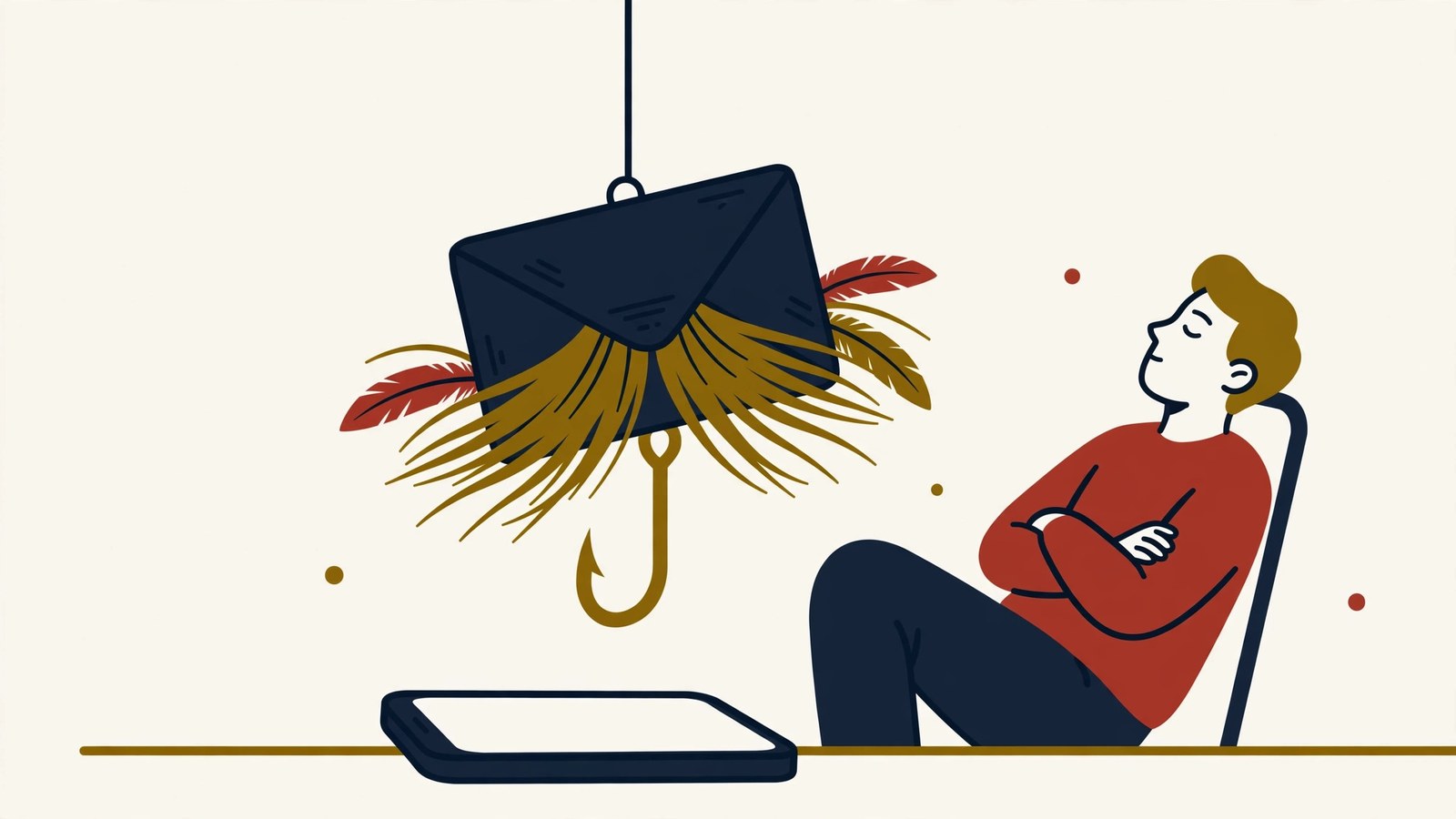
An email arrives saying you sent money through PayPal. You do not recognize the payment. The amount is large enough to get your attention, and the message gives you a button or phone number to dispute it.
Your first thought is probably, "I need to stop this right now."
That reaction is exactly what the scammer wants.
A recent U.S. community report described an email claiming that a PayPal donation had been made. The recipient did something smart. Instead of touching anything in the email, they opened PayPal separately and checked the real account. There was no matching transaction and no money missing.
The frightening payment notice was the bait. The dangerous part would have started if the recipient had clicked the link or called the number provided in the message.
How the scam works
PayPal warns that invoice and money-request scams can arrive in several forms. Some are completely fake emails designed to look like PayPal. Others may be real PayPal invoices or money requests created by a scammer using PayPal's system.
That distinction can make the message look convincing, but it does not make the request legitimate.
The message may claim that you bought an expensive item, sent a donation, or purchased cryptocurrency. It may say the payment is complete, canceled, or about to be processed. Then it gives you an urgent way to "fix" the problem.
If you call, the person answering may pretend to be customer support. They can ask for your password, verification code, card details, or permission to access your computer. They may also tell you to send a test payment or move money to keep it safe.
You started by trying to reverse a charge. Now the scammer is trying to create a real loss.
Why it works
Most of us do not ignore a notice saying money left an account. We want to find out what happened before more disappears.
The scammer uses that urgency to keep you inside the message. The logo looks familiar. The sender name may look right. The phone number is easy to tap. Calling it feels faster than opening the app and checking for yourself.
That is why the safest move feels almost too simple: leave the message.
Warning signs to notice
Stop before responding when:
- You do not recognize the payment, invoice, donation, or seller.
- The message tells you to call a number to cancel or dispute the charge.
- The invoice note warns that you must act immediately.
- You are asked for a password, verification code, card number, or remote access to your device.
- Someone tells you to send money, buy cryptocurrency, or make a "test" transaction.
- The claimed transaction does not appear when you open your real PayPal account.
Do not rely only on the sender's display name. Email addresses can be disguised, and a scammer may also send a real PayPal money request. What matters is whether the activity is legitimate, not how polished the notice looks.
The 60-second defense
Use this rule with your family:
The message tells you what to worry about. The official account tells you whether it is real.
Then follow these steps:
- Do not click the email's links, open attachments, or call a number printed in the message.
- Open the PayPal app yourself or type paypal.com into your browser.
- Check your activity, invoices, money requests, and automatic payments.
- If the request appears in PayPal but you do not recognize it, do not pay it. Report it from inside the official account.
- Forward a suspicious email to phishing@paypal.com, then delete it.
- If you already shared a password or verification code, change the password through the official site and review recent account activity. Contact PayPal through its Help Center.
- If you installed software or gave someone remote access, disconnect the device from the internet and get trusted technical help before using it for banking.
An email about a charge is not proof that money moved. Check before you dispute, call, or pay.
Talk about it tonight
Ask your family: "If you received a payment notice that scared you, where would you check it?"
The answer should be: close the message, open the official app, and contact the company through a number or website you found yourself.
That short conversation gives everyone a plan before an urgent notice arrives.